Best Budgeting Apps in 2026
Managing money is hard if you don’t track where it goes.
That’s why budgeting apps are so popular today — they help you see spending, plan savings, and avoid debt without using spreadsheets.
In this beginner-friendly guide, you’ll learn:
-
The best budgeting apps right now
-
Which app fits different needs
-
Free vs paid options
-
Real-life use cases
-
How to choose the right one
Everything explained in very simple English.
Why Use a Budgeting App?
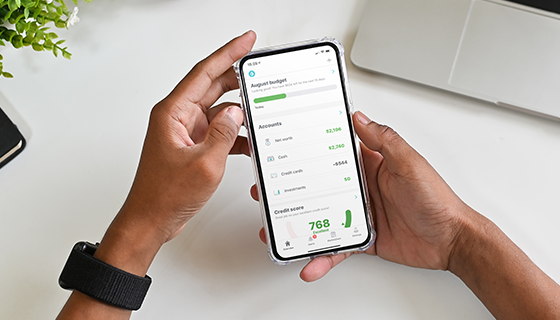
A budgeting app automatically:
-
Tracks your spending
-
Shows categories (food, rent, travel)
-
Alerts you before overspending
-
Helps you save monthly
Budgeting itself is simply planning income vs expenses — explained clearly on Wikipedia here:
https://en.wikipedia.org/wiki/Budget
Without tracking, most people underestimate spending by 20–40%.
Best Budgeting Apps (Tested Popular Options)
1. YNAB (You Need A Budget) — Best for Serious Budget Control
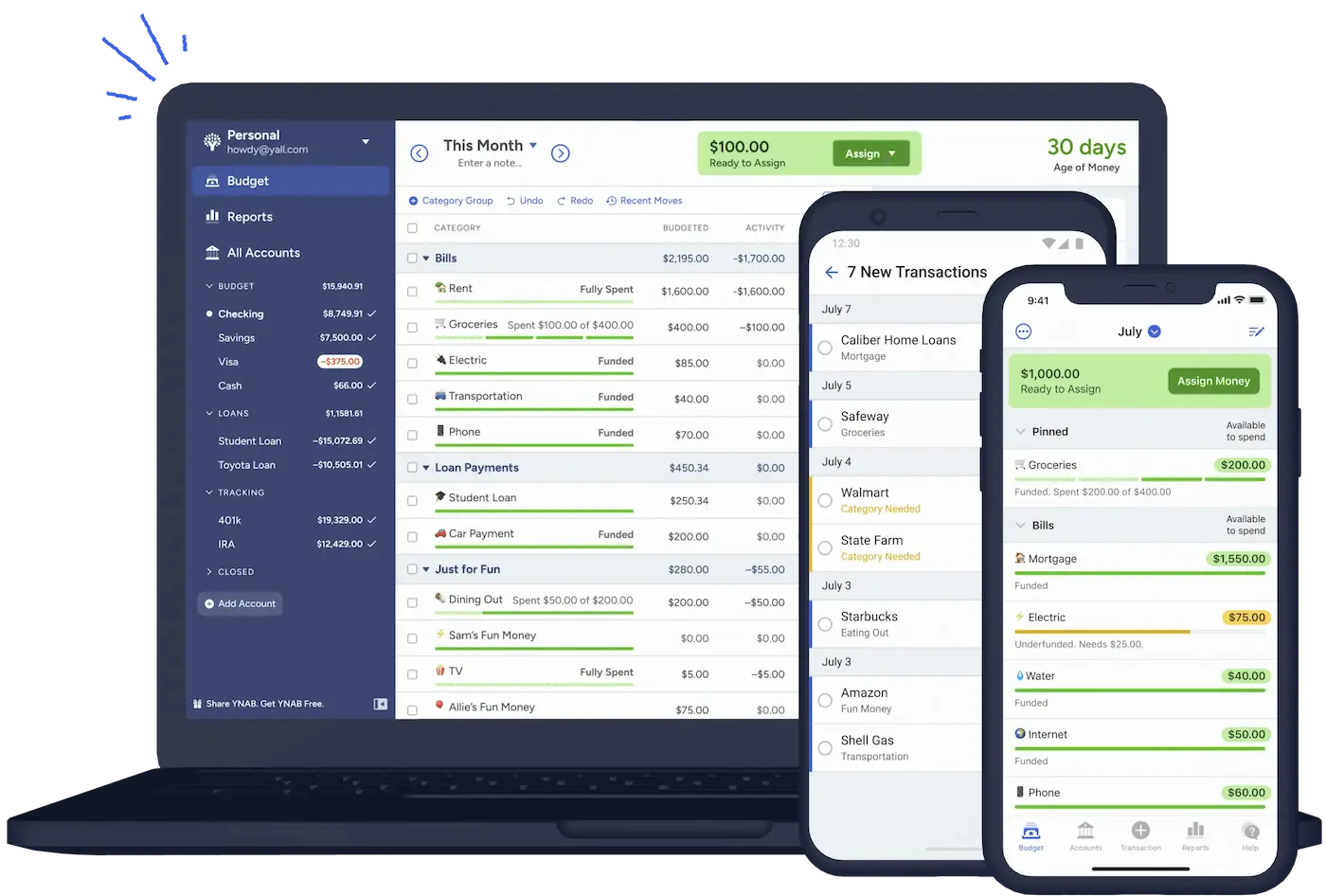
YNAB is perfect if you want full control of your money.
Instead of tracking past spending, it helps you plan every dollar before spending.
Best for:
-
People who overspend monthly
-
Families managing expenses
-
Long-term savings planners
Key features:
-
Zero-based budgeting system
-
Goal tracking
-
debt payoff planning
-
detailed reports
Many real users share their success stories in budgeting communities like:
https://www.reddit.com/r/ynab/
2. Mint — Best Free Budgeting App
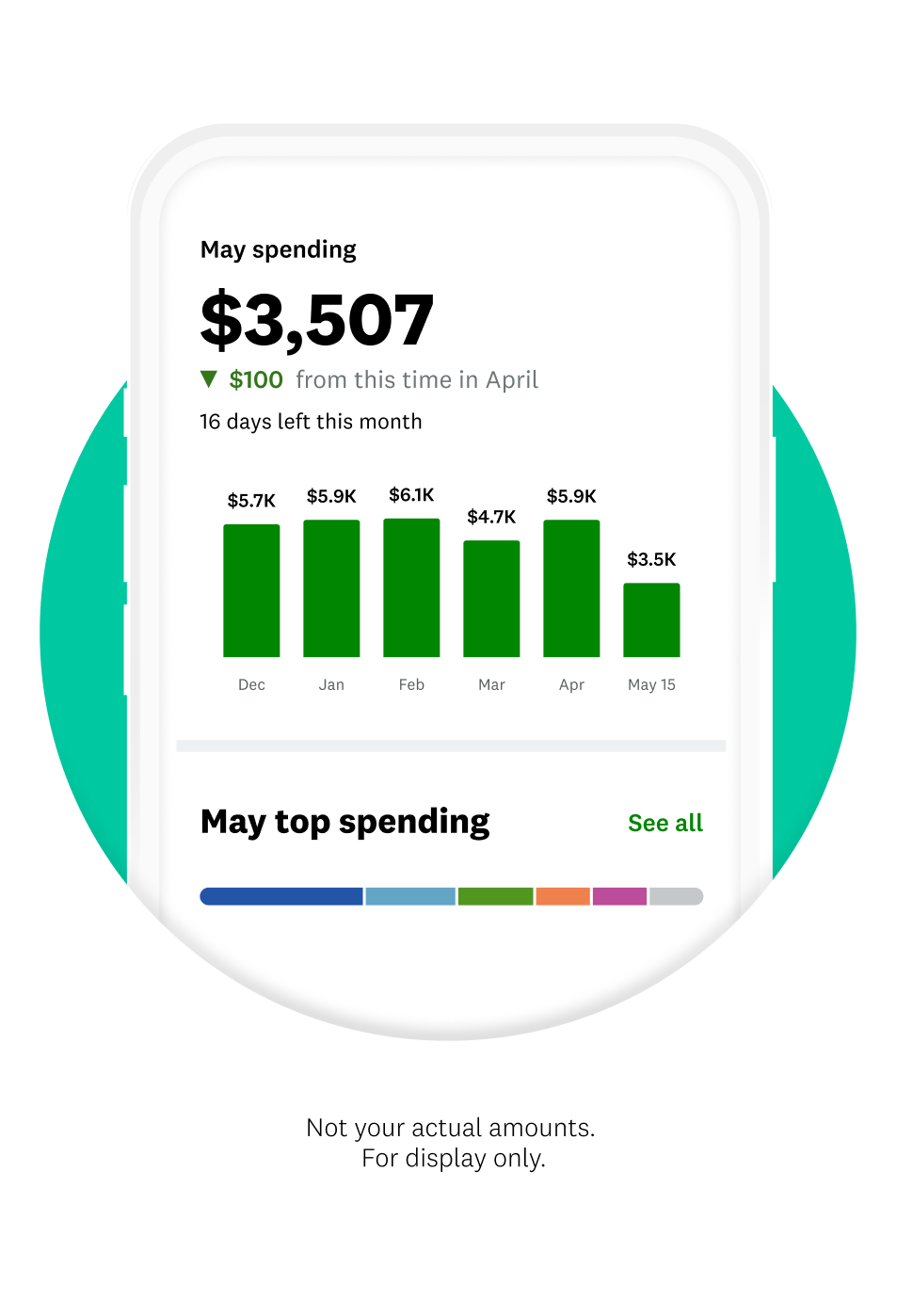
Mint became famous because it connects directly to your bank accounts.
It automatically:
-
imports transactions
-
categorizes spending
-
shows credit score
Best for:
-
beginners
-
people wanting automation
-
free users
Why beginners like it:
You don’t need to manually enter expenses.
A beginner-friendly explanation of personal finance tracking methods is discussed here:
https://www.quora.com/What-is-the-best-budgeting-app-for-beginners
3. PocketGuard — Best for “How Much Can I Spend?” Users
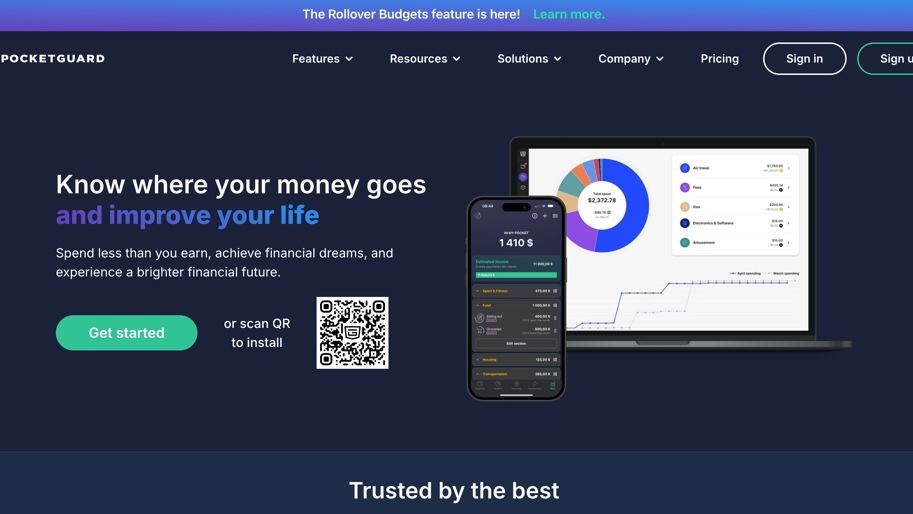
👉 “How much money is safe to spend today?”
It calculates:
Income
– Bills
– Savings goals
= Safe spending amount
Best for:
-
overspenders
-
students
-
simple budget lovers
4. Goodbudget — Best Envelope Budget System
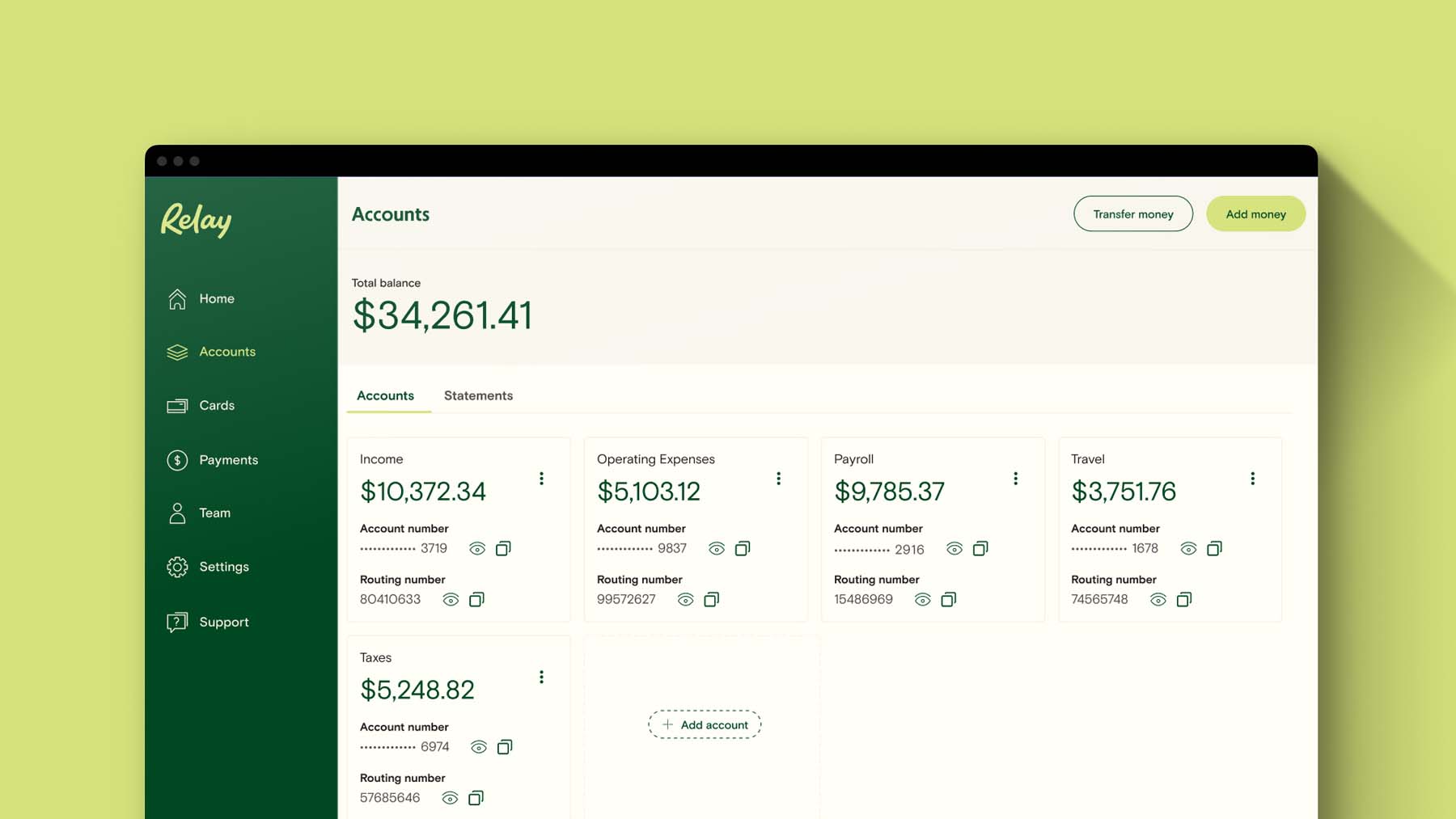
Goodbudget uses the classic envelope budgeting method.
This system means:
-
Food envelope
-
Rent envelope
-
Travel envelope
Once an envelope is empty → stop spending.
Envelope budgeting method explained here:
https://en.wikipedia.org/wiki/Envelope_system
Best for:
-
couples managing shared money
-
people who like manual control
-
cash-style budgeting
5. EveryDollar — Best Simple Dave Ramsey Style Budget
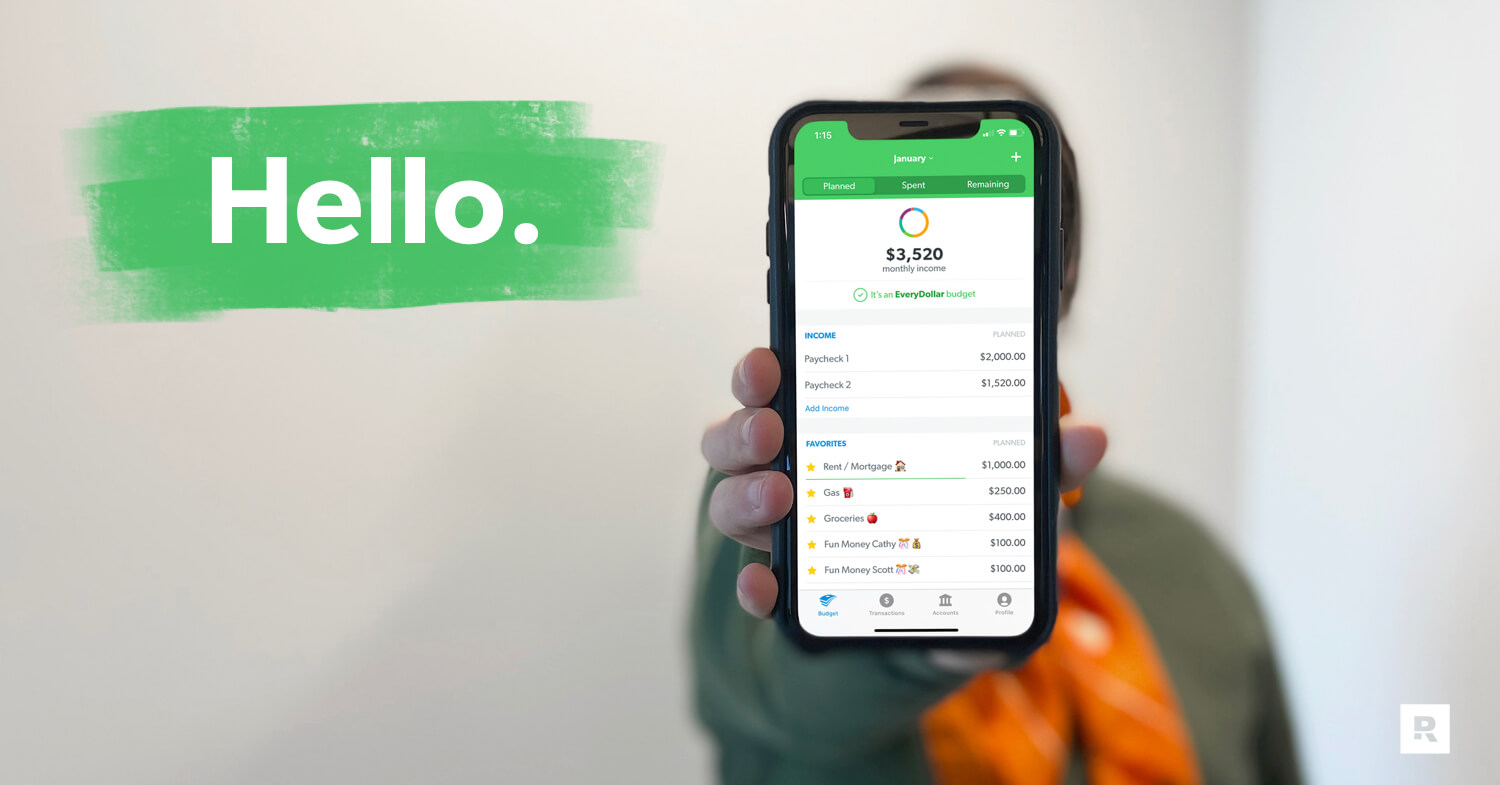 EveryDollar follows the Ramsey zero-based budgeting philosophy.
You assign:
Income → exact spending purpose.
Nothing is “unplanned”.
Best for:
-
strict budgeting fans
-
debt payoff users
-
simple monthly planning
Financial discipline methods like zero-based budgeting are discussed in many Medium finance articles:
https://medium.com/tag/personal-finance
How to Choose the Right Budget App (Simple Rule)
Use this quick guide:
Want automation?
Choose Mint
Want deep budgeting control?
Choose YNAB
Want very simple spending limits?
Choose PocketGuard
Want manual envelope system?
Choose Goodbudget
Want strict zero-budget philosophy?
Choose EveryDollar
Real-Life Example
Let’s say:
Ravi earns ₹60,000 monthly.
Without budgeting:
-
food overspending
-
random online shopping
-
no savings
After using a budgeting app:
-
fixed food budget
-
automatic rent tracking
-
monthly savings goal
Within 6 months → emergency fund built.
This is exactly why budgeting tools work.
Common Budget App Mistakes
Downloading but never opening
Budgeting works only if checked weekly.
Too many categories
Keep 8–12 categories maximum.
Switching apps every month
Stick to one for at least 3 months.
Final Thoughts
The best budgeting app is not the most advanced one.
It’s the one you actually use.
If you want the safest beginner approach:
Start with Mint or PocketGuard.
If serious about financial control → move to YNAB later.
Budgeting isn’t about restriction.
It’s about knowing where your money really goes.
About the Author